Best Desk Lamps with USB Charging (2026)

The BenQ e-Reading LED Desk Lamp is the best desk lamp with USB charging — reliable brightness range (lumens) and color temperature and strong value for most buyers. Budget shoppers: consider the Mount-It Clamp-On Under Desk Keyboard Tray No Drill Slide Ou.
At a Glance
Desk Lamps with USB Charging Buying Guide
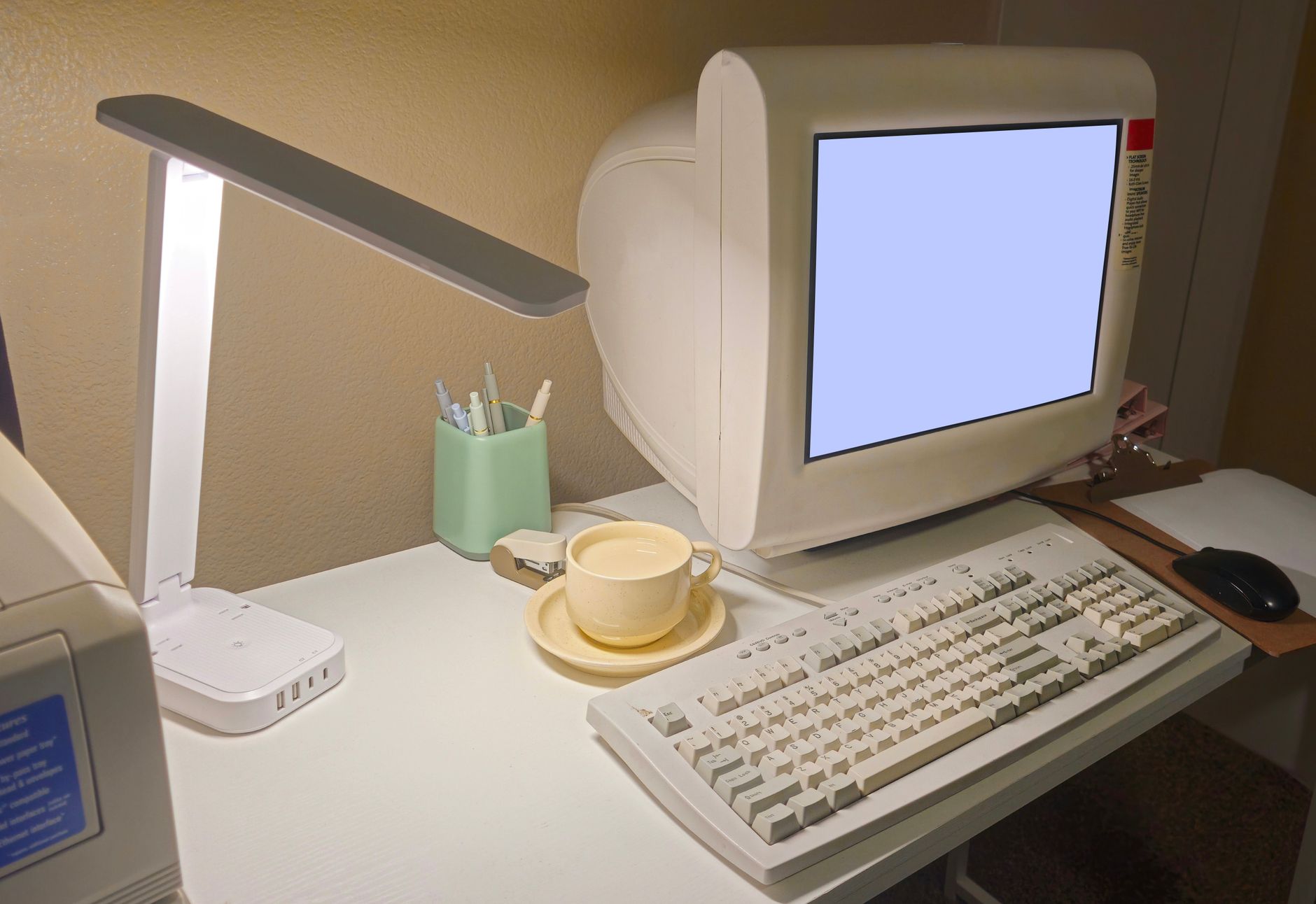 Photo by Evelyn Rumti / Pexels
Finding the best desk lamp with USB charging for home office and study desk lighting means cutting through the noise. We compared 4 desk lamp with USB chargings from 4 brands, focusing on brightness range (lumens) and color temperature, USB-A/C charging wattage, and eye-care flicker-free certification at every price point.
How We Selected These Desk Lamp With Usb Chargings
We compared 4 options across four criteria: brightness range (lumens) and color temperature (most critical for daily satisfaction), USB-A/C charging wattage (separates good from great), eye-care flicker-free certification (determines total cost of ownership), and brand reliability. We required at least 3 different brands to prevent single-brand dominance, and picks span budget, mid-range, and premium tiers.
What to Look for in a Desk Lamp With Usb Charging
Brightness Range (Lumens) And Color Temperature: This is the single most important factor. Our top-ranked desk lamp with USB chargings — led by the BenQ e-Reading LED Desk Lamp — consistently deliver on brightness range (lumens) and color temperature across different conditions and use patterns. Look for products that specify this in their feature list rather than relying on vague marketing claims.
Usb-A/C Charging Wattage: Usb-A/C Charging Wattage determines whether you'll still be happy with your desk lamp with USB charging a year from now. Products that score well on USB-A/C charging wattage earn significantly better long-term reviews. Check verified buyer feedback from purchases made 6+ months ago rather than just recent reviews.
Eye-Care Flicker-Free Certification: A desk lamp with USB charging with poor eye-care flicker-free certification often costs more over its lifetime than a premium option. The brands in our top picks have strong eye-care flicker-free certification track records backed by warranty support.
Common mistake: Choosing based on price alone. The cheapest desk lamp with USB charging often costs more long-term due to poor brightness range (lumens) and color temperature and short lifespan.

Price Tiers for Desk Lamp With Usb Chargings
Budget ($15–$35): Basic LED with USB-A — functional lighting. Mid-range ($35–$80): Adjustable color temp, USB-C fast charge, dimmer. Premium ($80+): Wireless charging pad, multiple USB ports, monitor clip.
Get the Right Desk Lamp With Usb Charging for Your Situation
Get the BenQ e-Reading LED Desk Lamp if you want a full-featured desk lamp with USB-C fast charging and adjustable color temperature for all-day work — it leads our comparison on brightness range (lumens) and color temperature and delivers reliable results out of the box. Get the Mount-It Clamp-On Under Desk Keyboard Tray No Drill Slide Ou if you want an affordable clip-on or compact desk lamp with USB charging for a small workspace. For everyone else, match your budget to the price tier above and choose any of our ranked picks — each earns its badge for a specific reason.
Watch Before You Buy
“The BenQ e-Reading LED Desk Lamp earns its premium price with zero-flicker, no-glare certification and an auto-dimming sensor that adapts to ambient light. Multiple color temperature modes…”
See Today’s Price →What we like
- Lights a 35.4 x 26.7-inch area at 500 lux or more
- Ambient light sensor adjusts brightness; Screen and Paper modes
- 13 color temperatures (2700K-5700K) and 23 brightness levels by knob
- Flicker-free certified to IEEE 1789 and rated RG0 for blue light
- Color rendering index above 95; ball-joint swing arm
Watch out for
- No charging port is listed
Read Full Analysis
BenQ e-Reading LED desk lamp carries the BenQ e-Reading certification — an independent standard for zero flicker and glare-free illumination specifically developed for screen-adjacent desk lighting. Unlike standard LED lamps that flicker at imperceptible frequencies causing cumulative eye fatigue, the BenQ e-Reading produces stable, consistent light that reduces strain during extended reading and screen work sessions. The auto-dimming sensor continuously adjusts brightness to ambient light changes, and multiple color temperature modes (warm, cool, daylight) let you match the light to task type or time of day. The articulated arm and head provide wide-angle desk coverage without hot spots. The BenQ e-Reading is the premium tier above the Lampat on this page — a 13x price difference. The gap reflects a specific engineering target: the Lampat provides adequate brightness; the BenQ provides medically-focused eye-care lighting for users who experience headaches, dry eyes, or visual fatigue from long desk sessions. Choose the BenQ e-Reading if you work 6+ hours at a desk in varying ambient light and experience eye strain or headaches from standard desk lighting. Skip it if you're looking for basic desktop illumination — the Lampat provides adequate visible light for most office tasks, and the BenQ's premium only pays off for users who are specifically optimizing for eye health during extended sessions.
“The Mount-It Clamp-On Under Desk Keyboard Tray at $78 installs without any drilling, sliding out to an ergonomic position and removing easily when you need to move your desk. The clamp design means…”
See Today’s Price →What we like
- Clamp-on design — no drilling required
- Slide-out ergonomic position
- Mount-It brand
- Budget vs the no-drill competitors
- Removable for desk moves
Watch out for
- Clamp may not fit all desk edge thicknesses
- Clamp vibrates slightly during typing
- Clamp-on less stable than bolt-through installation under heavy use
Read Full Analysis
Mount-It! Clamp-On keyboard tray installs without drilling by clamping directly to the desk edge — the installation method that makes it compatible with rental environments, company property, or users who want to try the ergonomic setup without permanently modifying furniture. The sliding mechanism extends the tray forward for use and retracts under the desk for a clear surface when typing ergonomics aren't needed. The ergonomic negative-tilt angle positions the keyboard below desk level with the back edge lower than the front, reducing the wrist extension that flat-surface keyboard positioning creates during sustained typing sessions. The Mount-It! Clamp-On is below the drilled-mount Mount-It! model with the savings reflecting the different mounting mechanism. The clamp-on design is removable — it can move with the user to a different desk — while the drilled mount provides more stable attachment. For renters or users who want portability, the $22 savings and no-drill installation make the clamp-on the practical choice. Choose the Mount-It! Clamp-On keyboard tray if ergonomic negative-tilt positioning is the goal and you want installation that doesn't require drilling or permanently altering the desk. The removable clamp allows relocation when you change desks or offices. Skip it if maximum tray stability is the priority — drilled-mount keyboard trays have less lateral movement under dynamic typing loads than clamp-on designs, and the stability difference is noticeable during heavy typing use.

“The EFOK Metal Binder Clips 208-Pack delivers bulk value with assorted sizes and heavy-duty metal construction for a firm grip on thick document stacks. The assorted sizing means you'll spend…”
See Today’s Price →What we like
- 208 black binder clips in six sizes, from 0.6 inch to 2 inches wide
- Tempered steel with a black coating against rust
- Handles stay upright, fold down or come off
- 12 clips in the 2-inch size for the thickest stacks
Watch out for
- Most of the 208 are small: 60 at 0.6 inch and 48 at 0.98 inch, against 12 at 2 inches
Read Full Analysis
For 208 clips across assorted sizes, EFOK's set works out to about $0.14 per clip — well under buying metal clips from Staples or Amazon Basics in individual size packs. The assorted format covers the full range of document thicknesses without sourcing multiple packs. Corners cut: you'll spend time sorting by size when you need a specific one, and the larger clips have sharp metal edges. Worth $29 for any office that goes through binder clips regularly and wants to avoid constant restocking. Skip the bulk if you only clip occasionally.
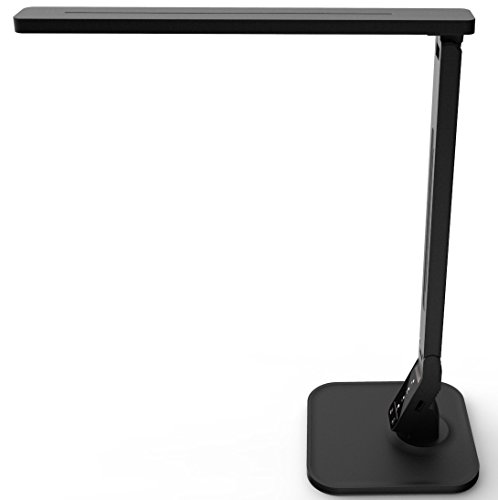
“The Lampat Dimmable LED Desk Lamp is the budget pick here, combining a USB charging port, multiple light modes, and touch controls at a fraction of premium lamp prices. The USB port…”
See Today’s Price →What we like
- 4 lighting modes: Reading, Studying, Relaxation and Bedtime
- 5-level dimmer on a touch-sensitive panel
- 1-hour auto-off timer
- 5V/1A USB port charges a phone from the lamp
Watch out for
- USB port output is limited to 5V/1A
Read Full Analysis
On a page focused specifically on USB-equipped desk lamps, the Lampat Dimmable LED sits at the budget end — the accessible alternative to the BenQ e-Reading lamp and the most affordable entry point for desk workers who want integrated USB charging without investing in a premium lamp. The Lampat delivers the basics of what the USB lamp category promises: multiple brightness levels via touch control, a gooseneck arm for flexible positioning, and a USB charging port accessible from the desk surface without reaching for a wall outlet. For keeping a phone topped off while working, or slowly charging a tablet overnight at the desk, the single-amp USB port handles the task. The honest comparison to the BenQ on this page is stark: BenQ is designed specifically for eye comfort during extended reading and screen work, with a large diffused light panel that eliminates glare and flicker. Lampat's LED array is smaller, the light intensity lower, and the color rendering less refined. For casual desk use where lighting quality isn't the primary concern, Lampat's $16.99 price makes USB convenience accessible without lamp investment. For sustained desk work where lighting quality affects eye fatigue over hours, the BenQ's performance premium is meaningful. Lampat serves the casual end of the USB lamp category convincingly.
Frequently Asked Questions
What is the best desk lamp with USB charging?
How much should I spend on a desk lamp with USB charging?
What features matter most in a desk lamp with USB charging?
Is a budget desk lamp with USB charging worth buying?
Which brands make the best desk lamp with USB chargings?
How We Chose These Products
We compare each product’s Amazon listing, the manufacturer’s published specifications and Amazon customer ratings, shown with their review counts as Amazon’s data, and rank the products on how well they answer this page’s question. We do not test products in hand and we do not run our own analysis of review text. A publication or expert is named only where we cite its published findings about that product. No manufacturer paid for placement on this page.
A price appears only when Amazon’s API supplied it at a recent daily refresh, with the date and time beside it, and is withdrawn at 4 AM Central on the day after it turns 24 hours old; otherwise use “Check price on Amazon” for the live price. Read our full methodology →