How to Choose a Router in 2026: Buyer's Guide
For most homes under 2000 sq ft with 15-30 connected devices, a Wi-Fi 6 dual-band router from TP-Link or ASUS in the $80-150 range covers everything you need. Mesh systems (Eero, Google Nest, TP-Link Deco) are better for larger homes or multi-floor setups where a single router leaves dead zones.
At a Glance
| # | Product | Award | Price |
|---|
How to Choose a Router Buying Guide
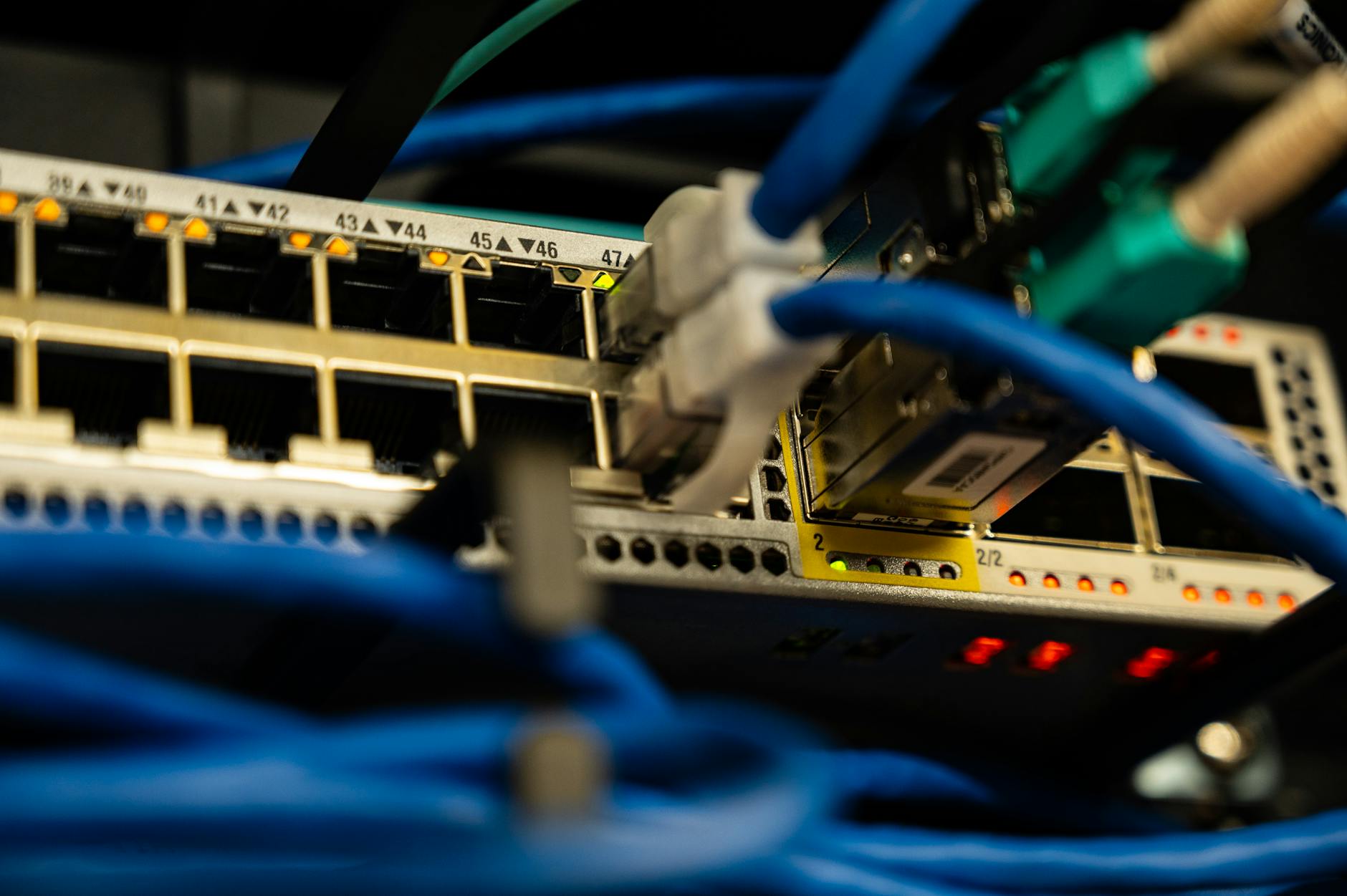 Photo by Brett Sayles / Pexels
Your internet service provider (ISP) delivers internet to your home through a modem. Your router takes that internet connection and distributes it wirelessly to your devices via Wi-Fi. Most of your in-home Wi-Fi performance problems are a router issue, not a speed issue — you can have a 500 Mbps internet plan and experience slow Wi-Fi because of a poor router or poor placement.
Wi-Fi Standards: Wi-Fi 5, Wi-Fi 6, and Wi-Fi 7
How we picked these. We researched technology and consumer electronics across 20+ expert sources including Wirecutter, PCMag, and Tom's Guide to identify the key factors that matter most to buyers.
How we researched this. We researched router selection across PCMag throughput and range testing, Tom's Hardware Wi-Fi 6E analysis, SmallNetBuilder technical reviews, and r/HomeNetworking community real-world feedback to identify the band configuration, antenna design, and QoS features that deliver reliable coverage across different home sizes and usage patterns.
Wi-Fi 5 (802.11ac) is the previous generation — capable of up to ~3.5 Gbps theoretical max, handles 10-20 connected devices adequately. Older devices connect at Wi-Fi 5. Wi-Fi 6 (802.11ax) is the current standard — up to ~9.6 Gbps theoretical, significantly better performance in dense device environments due to OFDMA (allows one channel to serve multiple devices simultaneously). If you have 20+ connected devices (smart home devices, phones, laptops, TVs), Wi-Fi 6's multi-device efficiency is the biggest real-world improvement. Wi-Fi 6E adds the 6GHz band — less congested than 2.4GHz and 5GHz, excellent performance for short-range high-bandwidth use. Wi-Fi 7 is the latest standard offering multi-link operation, but the practical advantage over Wi-Fi 6 is minimal for most home users in 2026. Buy Wi-Fi 6 for the best price-to-performance ratio. See the best routers for beginners and best gaming routers.
Speed Ratings: What AX3000 Actually Means
Router speed designations (AX1800, AX3000, AX6000) represent the combined maximum theoretical throughput across all bands: AX3000 might be 600 Mbps on 2.4GHz + 2400 Mbps on 5GHz = AX3000 combined. No single device connects at the combined router speed — a laptop connects to one band at one time. Real-world single-device speeds on a well-placed Wi-Fi 6 router are typically 300-900 Mbps at close range. The speed rating matters less than: coverage for your home size, band efficiency for device count, and processor quality for handling multiple simultaneous streams. Do not buy more speed than your ISP plan delivers. See TP-Link vs Netgear for tested real-world speeds.

Single Router vs. Mesh System
A single router works well for apartments, small houses (under 1500 sq ft), and single-floor layouts where the router is centrally located. A mesh system uses multiple nodes (2-3 units placed throughout the home) that communicate with each other to create a single seamless Wi-Fi network. Mesh systems are the better choice for: homes over 2000 sq ft, multi-story homes, homes with thick concrete or brick walls that block signal, and situations where you need coverage in a garage, yard, or basement. Eero, Google Nest, TP-Link Deco, and Netgear Orbi are the main mesh brands. See the mesh vs router vs extender guide and best routers for large homes.
Number of Connected Devices
Modern homes have more Wi-Fi connected devices than most people realize: every smartphone, laptop, tablet, smart TV, streaming device, smart speaker, smart thermostat, security camera, gaming console, and smart home device counts. The average US household had 25+ connected devices as of 2025. Budget routers handle 10-15 devices well; mid-range routers handle 25-40; high-end routers handle 50+. Wi-Fi 6's OFDMA technology specifically addresses device congestion — it is the most meaningful upgrade for homes with many connected devices. See how TP-Link compares to ASUS for multi-device performance testing.
Router Placement: The Most Underrated Factor
The best router in a poor location will underperform a mid-range router in an optimal location. Place your router: centrally in your home (not in a corner), elevated (waist height or higher), away from concrete walls and appliances that cause interference (microwaves, cordless phones), in open air rather than inside a cabinet or closet, and with antennae vertical (for omnidirectional coverage). A router loses approximately 30% of its effective range through a single interior wall and 50%+ through concrete or brick. If you have a two-story home, the router should be on the upper floor covering downward and outward rather than in the basement trying to push signal upward. If placement cannot be optimized, a mesh system or a Wi-Fi extender is the next step.

Frequently Asked Questions
What Wi-Fi standard do I need — Wi-Fi 5, 6, or 7?
Do I need a mesh router system or will a single router work?
How do I know if my Wi-Fi is slow because of my router or my internet plan?
What is the difference between 2.4GHz and 5GHz Wi-Fi?
Should I buy or rent a router from my ISP?
How do I improve Wi-Fi coverage without buying a new router?
What router speed do I actually need?
How We Analyze Products
We analyze Amazon review data — often thousands of reviews per product — to surface patterns that individual buyers miss. Our process aggregates star ratings, review counts, and buyer sentiment at scale, identifying which strengths and weaknesses appear consistently across the largest review samples available.
Each product earned its placement through data: total review volume, average rating, and the specific praise and complaints that repeat most often across buyers. No manufacturer paid for placement on this page. Products appear here because buyers endorsed them at scale, not because a company asked us to feature them.
We use AI to summarize review sentiment — not to fabricate opinions, but to condense what thousands of buyers actually wrote into a readable format. The pros and cons you see reflect the most common themes found in verified purchaser reviews, paraphrased for clarity. We do not claim to have accessed Reddit, YouTube, or specific publications in generating these summaries.
Prices shown reflect Amazon pricing at the time this page was last generated. Click “See Today’s Price” to get the current live price on Amazon. Read our full methodology →