How to Choose a Monitor in 2026: Size, Resolution & Panel Guide
This guide covers the key factors in choosing a monitor: how to match size and resolution, the real differences between IPS, VA, and OLED panels, when refresh rate matters and when it doesn't, budget tiers for work and gaming, and the most common spec-sheet traps buyers fall into.
At a Glance
| # | Product | Award | Price |
|---|
How to Choose a Monitor Buying Guide
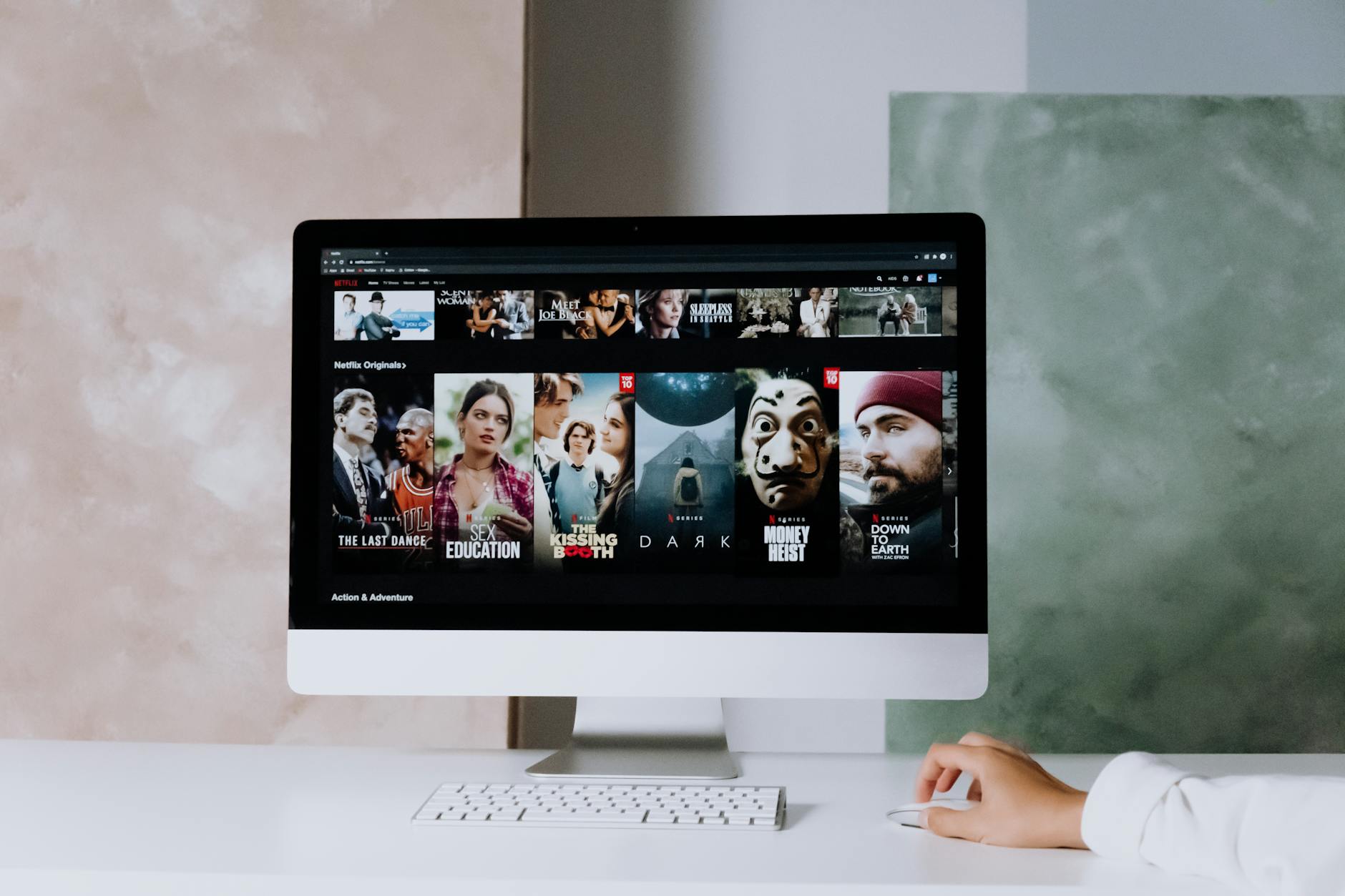 Photo by cottonbro studio / Pexels
Monitor specifications look complex on paper, but most of the choices narrow down quickly once you know your primary use case. The spec that matters most for a graphic designer (color accuracy) is irrelevant for a competitive gamer (response time), and vice versa.
Size and Resolution: The Foundation
How we researched this. We reviewed monitor specifications against RTINGS standardized panel testing, Tom's Hardware benchmark data, DisplayHDR certification standards, and r/Monitors community feedback to identify the panel type, refresh rate, and color accuracy specs that actually determine image quality and eye comfort for gaming, creative work, and productivity use cases.
Size and resolution should always be considered together — a high-resolution panel in the wrong size is either too sharp or too pixelated for comfortable use at your typical viewing distance.
- 24-inch at 1080p (1920x1080): Standard for most desktop setups. Comfortable at arm's length (18-24 inches). Good pixel density at this size. Appropriate for most office work and casual gaming. Our best budget monitors guide covers the top picks here.
- 27-inch at 1440p (2560x1440): The current sweet spot for productivity and gaming. More screen real estate without requiring scaling adjustments. Excellent pixel density at 24-inch viewing distance. The most popular monitor category for serious users.
- 32-inch at 4K (3840x2160): Ideal for video/photo editing where you need both resolution and screen area. Requires more GPU power for gaming. Works best at 2-3 feet viewing distance. See our best 4K monitors guide.
- Ultrawide (34"+): Replaces dual-monitor setups for many users. Excellent for multitasking and immersive gaming. Not recommended if you frequently use applications that don't handle ultrawide well (some video conferencing software, some games).
Our complete monitor buying guide covers all size/resolution combinations with specific recommendations.
Panel Technology: IPS vs. VA vs. OLED
Panel type determines color accuracy, contrast, viewing angles, and response time — often more than specs alone reveal.
- IPS (In-Plane Switching): The standard for color-accurate work. Wide viewing angles (colors don't shift when viewed off-center), good color coverage (most cover 95%+ sRGB), faster response than VA. Weakness: contrast ratio is typically 1000:1, making blacks appear gray in dark environments. Best for: office work, content creation, photo editing.
- VA (Vertical Alignment): Higher contrast (typically 2500:1 to 4000:1), making blacks appear truly black. Viewing angles are narrower than IPS — colors shift if you're not centered on the screen. Historically slower response time (ghosting in fast motion). Best for: media consumption, productivity users who care about dark mode appearance, non-competitive gaming.
- OLED: Perfect blacks (pixels turn off completely), best contrast available, fastest response times, vibrant colors. Risks: burn-in from static content (HUDs, taskbars), higher price. New panels use burn-in mitigation features, but risk remains for heavy office use. Best for: gaming, content consumption, creative work with budget for premium panels. See our best gaming monitors for top OLED picks.
- TN (Twisted Nematic): Fastest response times, lowest cost, but poor color accuracy and viewing angles. Largely replaced by fast IPS for most use cases except budget competitive gaming.
Refresh Rate and Response Time: When They Matter
Refresh rate (Hz) and response time (ms) are marketed heavily for gaming but are largely irrelevant for office work and content creation.
For gaming: 144Hz is the minimum for smooth competitive gaming. 240Hz+ is for serious competitive players who can maintain high frame rates. Your GPU must actually be capable of hitting those frame rates to benefit — a 240Hz monitor fed 80 fps from a mid-range GPU isn't smoother than 144Hz. Response time affects motion blur: 1ms GtG is the target for competitive gaming; 4-5ms is fine for casual gaming.
For office work and content creation: 60Hz is completely adequate. You will not notice the difference between 60Hz and 144Hz browsing documents or editing photos. Don't pay a premium for high refresh rates if gaming isn't your primary use.
For the right balance: A 27-inch IPS at 1440p 144Hz covers both productivity and casual gaming well. See our best monitors for working from home for focused picks.
Watch Before You Buy

Frequently Asked Questions
What is the most important factor when choosing a monitor?
How long does choosing the right a monitor typically take?
What mistakes do beginners make when buying a monitor?
Is it better to buy a monitor online or in a store?
How often should I replace or upgrade a monitor?
What budget should I set for a monitor?
Are there any red flags to watch out for when buying a monitor?
How We Analyze Products
We analyze Amazon review data — often thousands of reviews per product — to surface patterns that individual buyers miss. Our process aggregates star ratings, review counts, and buyer sentiment at scale, identifying which strengths and weaknesses appear consistently across the largest review samples available.
Each product earned its placement through data: total review volume, average rating, and the specific praise and complaints that repeat most often across buyers. No manufacturer paid for placement on this page. Products appear here because buyers endorsed them at scale, not because a company asked us to feature them.
We use AI to summarize review sentiment — not to fabricate opinions, but to condense what thousands of buyers actually wrote into a readable format. The pros and cons you see reflect the most common themes found in verified purchaser reviews, paraphrased for clarity. We do not claim to have accessed Reddit, YouTube, or specific publications in generating these summaries.
Prices shown reflect Amazon pricing at the time this page was last generated. Click “See Today’s Price” to get the current live price on Amazon. Read our full methodology →